TRSuite is a product of BRIFS GmbH, Switzerland Downloads  ·  support (at) section11.ch
OECD · Common Reporting Standard

CRS reporting, without the XML

TRSuite turns account data into schema-valid CRS XML – the OECD schema in version 2.0 and 3.0, plus the domestic formats and delivery channels of the jurisdictions that define their own.

What the Common Reporting Standard asks of you

The Common Reporting Standard, formally the Standard for Automatic Exchange of Financial Account Information in Tax Matters, is the OECD’s global answer to the question FATCA raised: where do your customers pay tax, and who needs to know? It borrows heavily from the Model 1 FATCA IGA, but the differences matter – and they sit precisely where the work is: cross-border identification, classification and reporting of customer accounts.

A financial institution has to establish the tax residence of every single customer and be able to hand the resulting information to the relevant tax authority, in the format that authority expects. The OECD schema was designed so that it can serve domestic reporting as well, and many jurisdictions use it unchanged – but not all of them.

CRS 3.0 · the “Amended CRS”

CRS 3.0 changes the data you have to collect. Self-certification, due diligence procedure, account type, equity interest type and joint account count are new mandatory or newly typed elements, and controlling persons became a repeating structure. Jurisdictions switch at different dates – the Isle of Man from 1 October 2026, most others from 1 January 2027. TRSuite reads CRS XML 1.0, 2.0 and 3.0 and writes both 2.0 and 3.0, so you can move when your authority does, not before.
What the CRS module does

One licence, all jurisdictions – with their own rule set for 40 of them.

Validate before you file

Every report is checked against the XSD and against the rule set of the receiving jurisdiction: TIN formats and check digits, DocRefID conventions, mandatory fields, amount and date formats, forbidden character sequences.

Correct, amend and void

Reference a previously filed report and produce a correction, an amendment or a void message. TRSuite keeps track of the document references so the authority can match your correction to the original.

Documentation for your file

Produce a PDF of what was reported, as one document or one file per account holder, with the option to hash the names out of the file names when the PDFs leave the building.

CARF in the same tool

The OECD Crypto-Asset Reporting Framework (CARF XML 1.0) is a module of TRSuite as well – same application, same working style, same licence model.

About the CARF module

Inside the application

A trial licence with the full functionality is available for ten days.

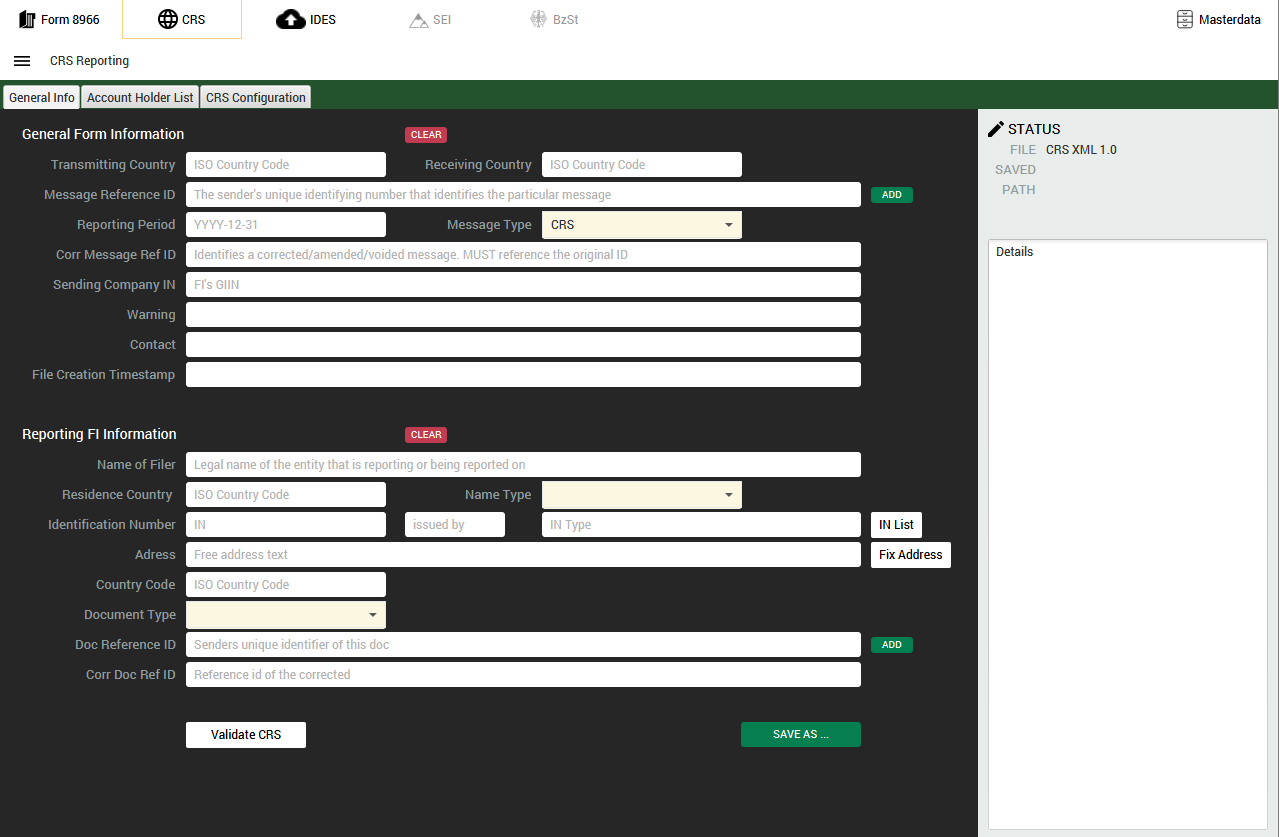
Screenshot: CRS reporting

CRS reporting

Build the message from reporting FI down to account report, import from XML or Excel, and export OECD CRS XML.

Screenshot: Excel template

Excel template

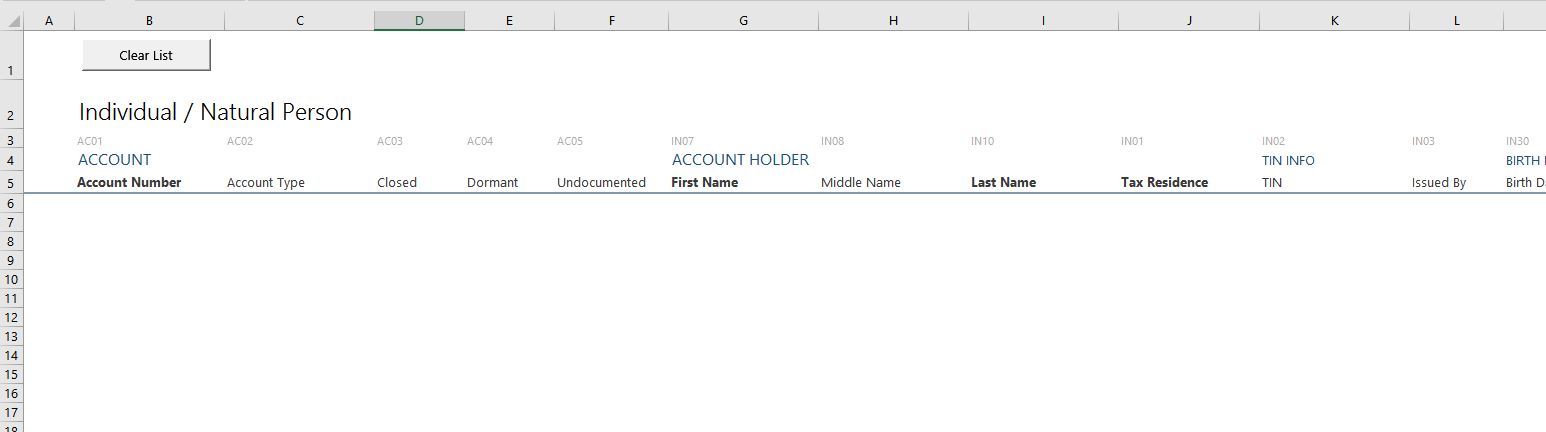
Collect the account data in a workbook, check it there, and load it into the application.

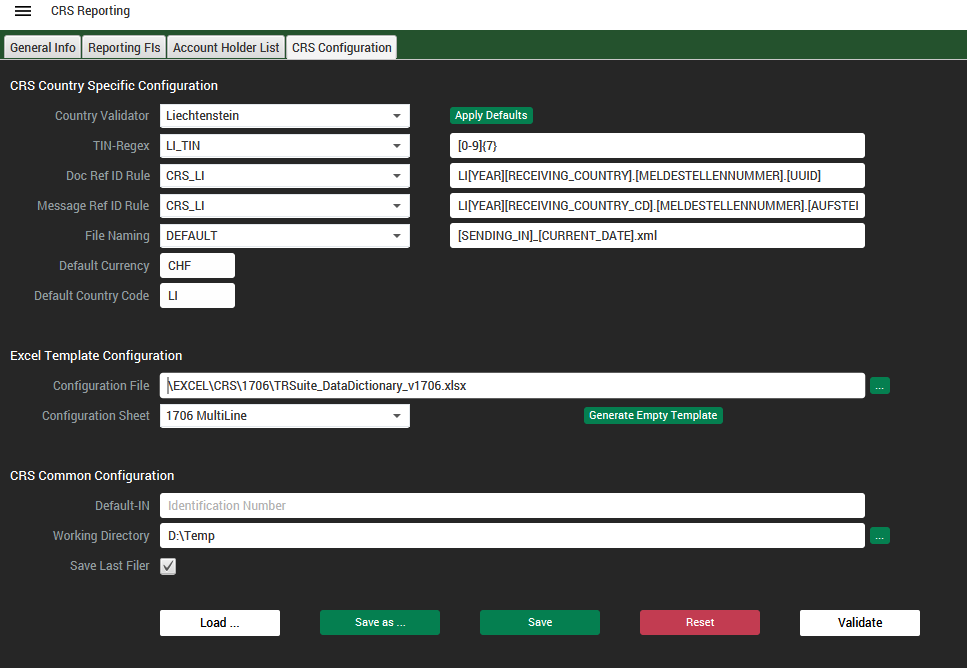
Screenshot: Jurisdiction rule set

Jurisdiction rule set

Validation rules, naming conventions, DocRefID and TIN formats come as pre-defined configuration packages.

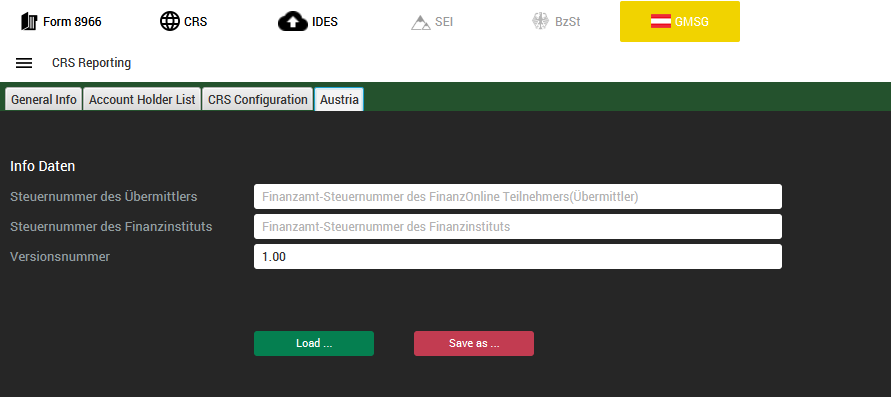
Screenshot: Country module

Country module

Where a jurisdiction defines a domestic format, its module adds the extra fields and the delivery process – here Austria.

Rule sets instead of guesswork

Jurisdictions take their own decisions when they implement the OECD standard: which TIN formats they accept, how a document reference has to be built, which character sequences their portal rejects, whether a nil report is expected at all. TRSuite ships those decisions as configuration packages, so a report destined for Hong Kong is checked by Hong Kong’s rules and one destined for Macau by Macau’s.

The supported countries page lists every jurisdiction we cover, what the module does for it, and where a limitation applies – including the jurisdictions whose authority has not published a CRS 3.0 schema yet.

Supported countries

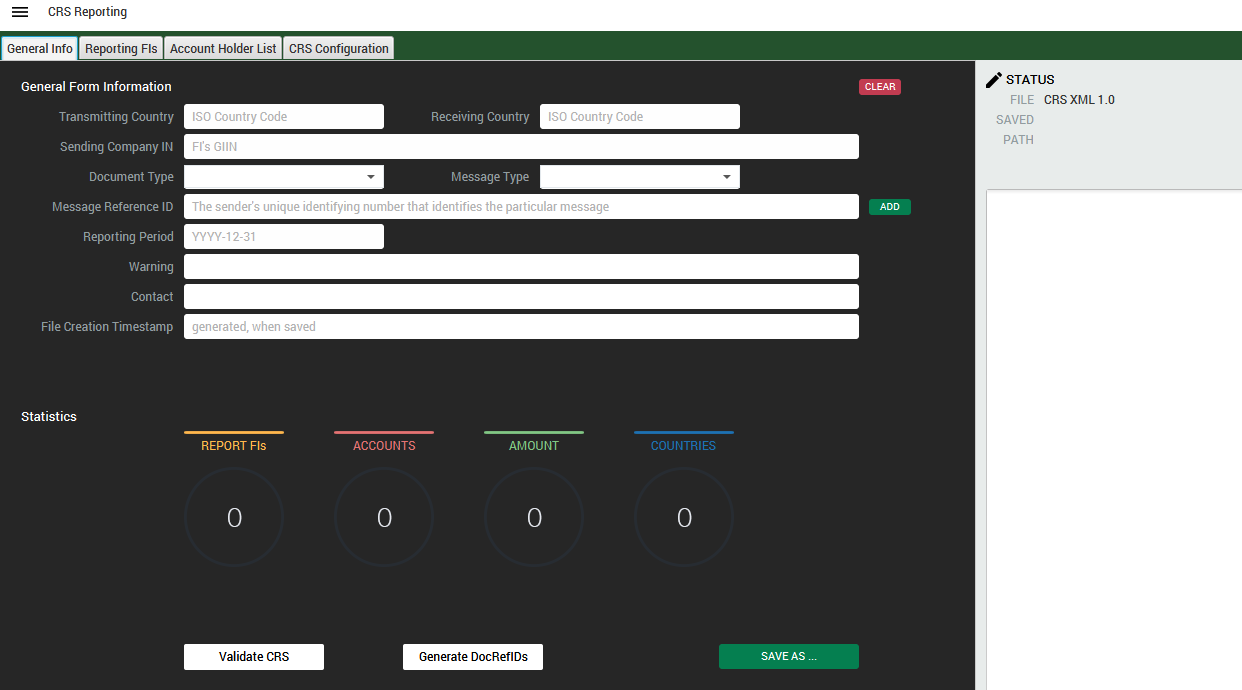
Screenshot: CRS report tree in TRSuite

One report, many rules

The same account data, validated against the rules of whichever jurisdiction you are filing with.

Pricing and licence

A simple perpetual licensing arrangement: buy once, use indefinitely. You pay for the number of people working with the product, nothing else.

Price calculator

What will the CRS module cost you?

Say how many people will work with it and choose between a new licence and a renewal of premium support. The figures come straight from our published price list – no form, no waiting.

Calculate your price

Premium support and maintenance

Premium support covers all new releases, new features and product updates free of charge, plus professional email support. It is renewed annually; prepaying several years earns a renewal discount.

Named user

Licences are counted by user, not by concurrent session: if five employees may use the system, five licences are needed. Reporting financial institutions, GIINs and jurisdictions are unlimited.

Corporate

Unlimited use of the program throughout the organisation – typically the better choice from about 50 users onwards.

EULA

The software end user license agreement is available here.

Try it before you buy it

A trial licence with the full functionality, valid for ten days, and free evaluation support while you use it. Create your CRS report today.

Request a licence